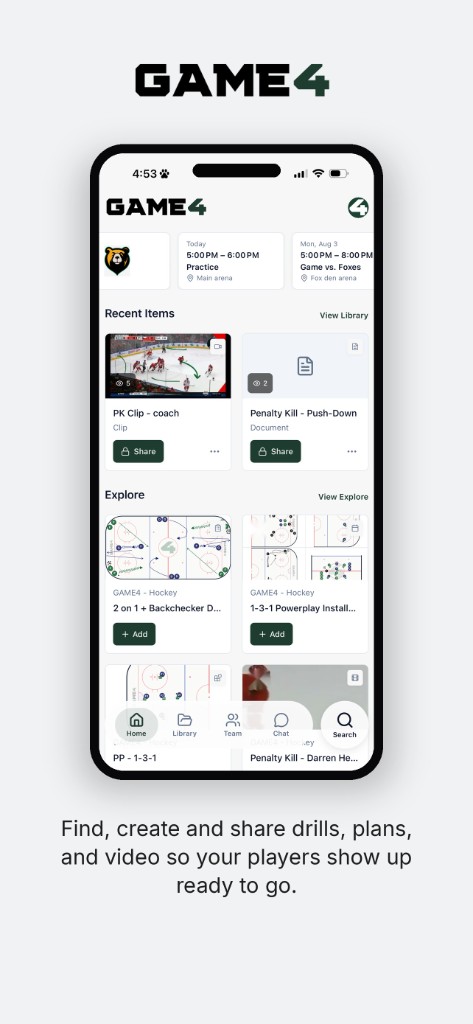
Get GAME4 on iPhone and Android
Find, create and share drills, plans, and video so your players show up ready to go.


For coaches
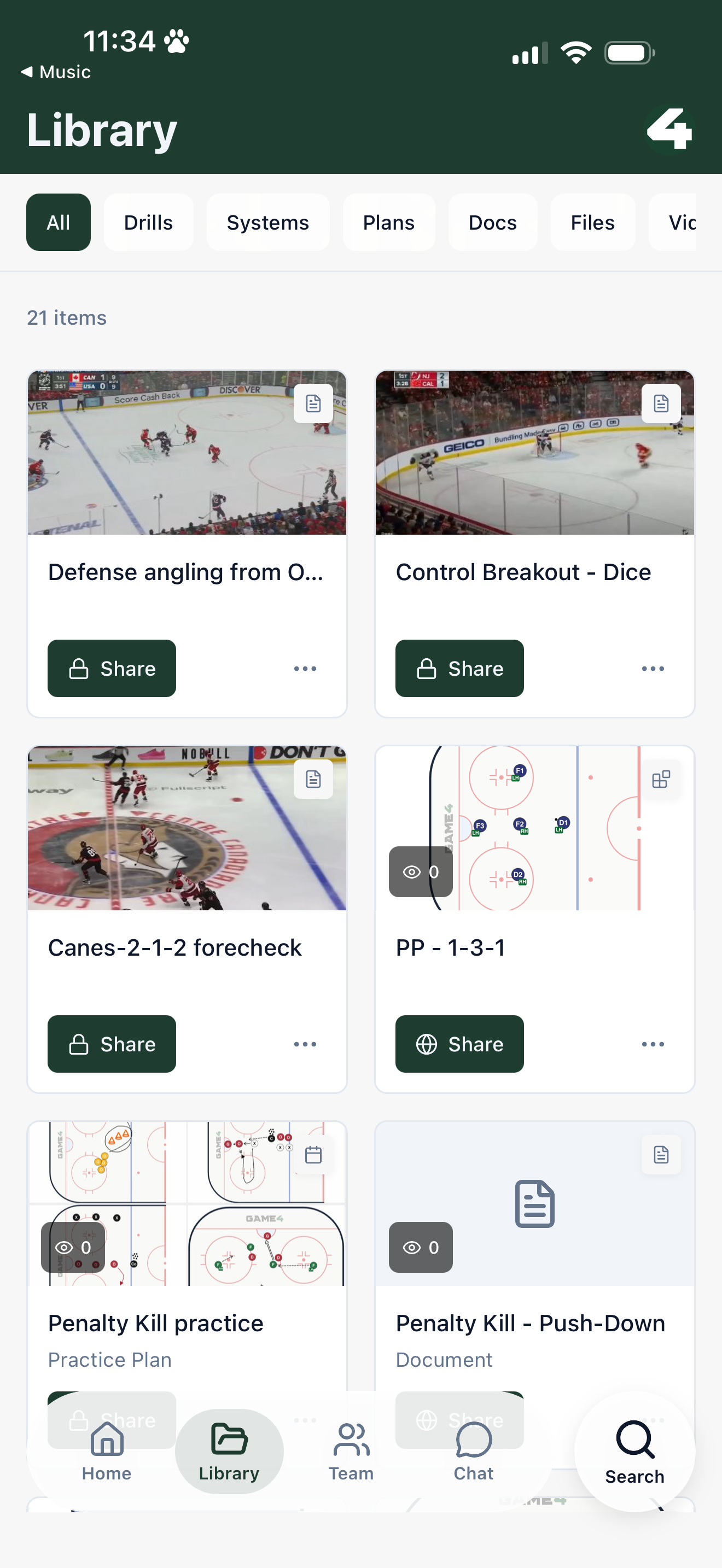
Find drills, save to your library, share with the team from your phone
Collect coaching content from your phone. Prepare your team.
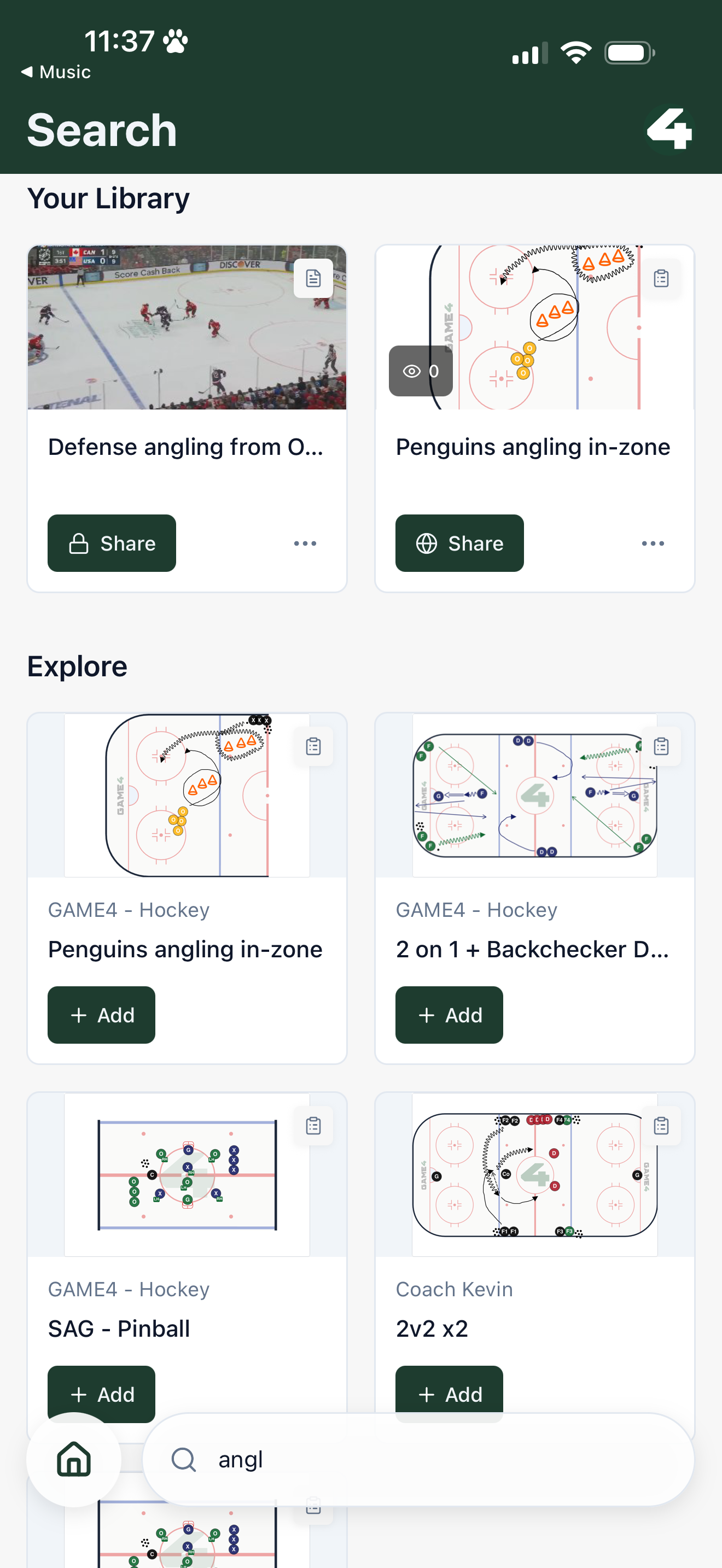
Find drills, videos, and plans from other coaches
Browse what other coaches are sharing and add anything you like to your library. Drills, video clips, and plans are one tap away.
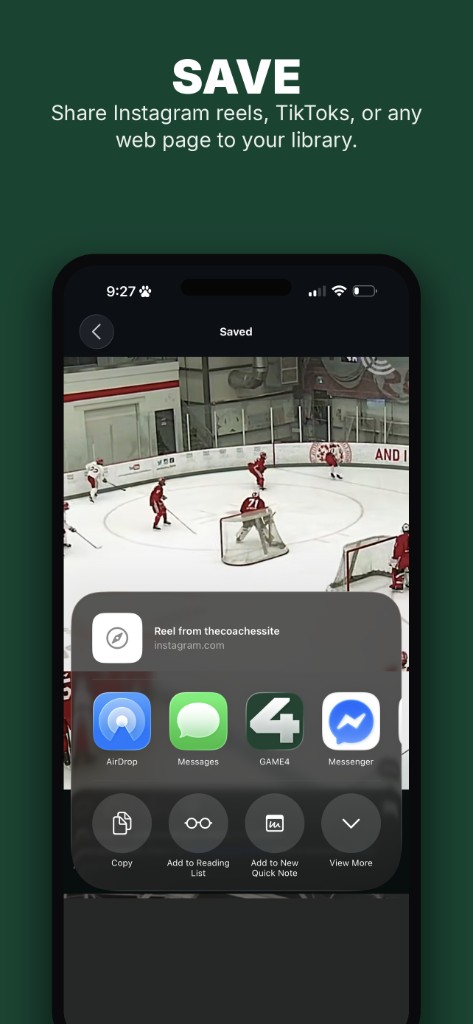
Share Instagram reels, TikToks, or any web page to your library
Open Instagram, TikTok, or Safari, tap Share, then choose GAME4. The link is saved to your library.
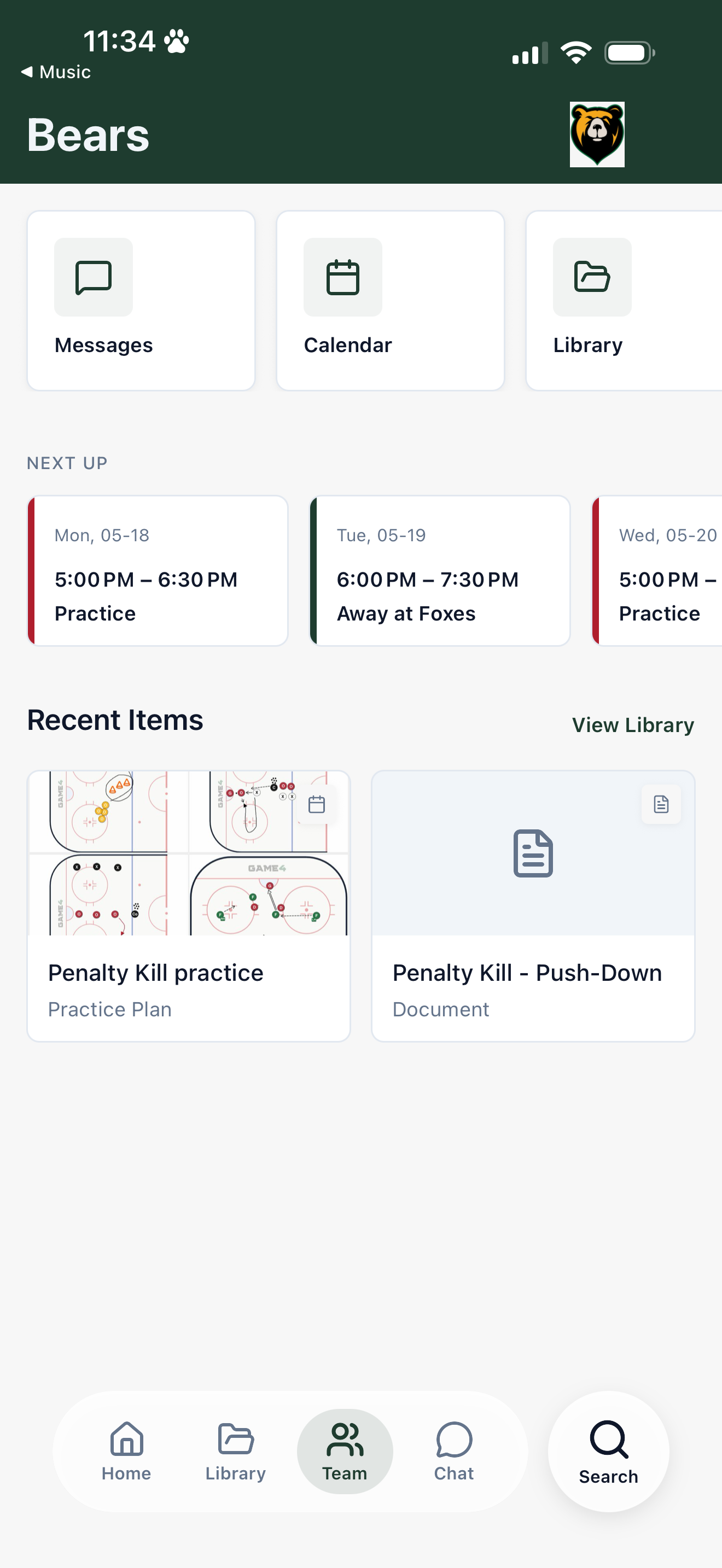
Team calendar, chat, and library
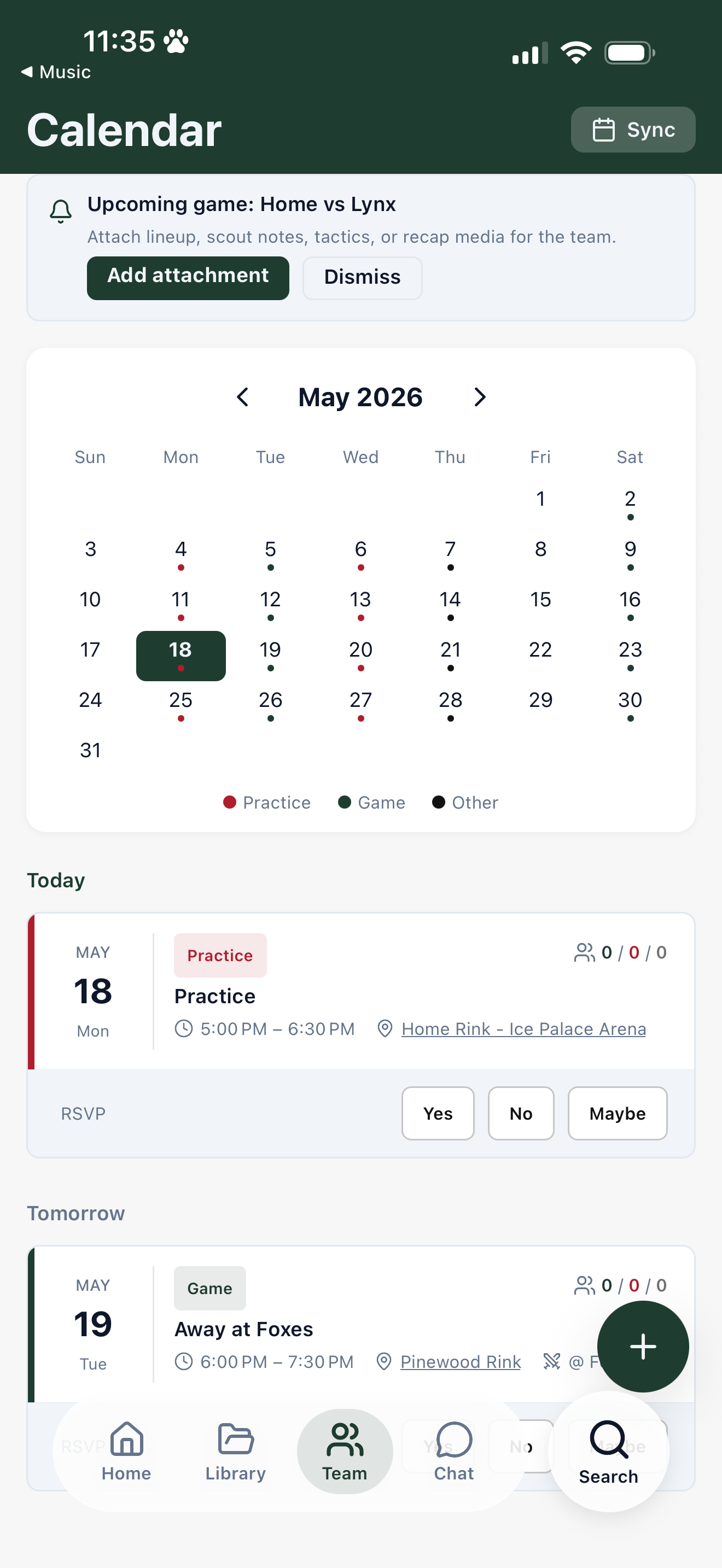
Manage the shared calendar, keep the group chat going, and attach plans to practices and games so players open the right material before they arrive.
For players
Show up prepared
Your coaches share recaps, clips, and plans. Watch them on your phone, then check chat and the calendar so you never miss what's next.
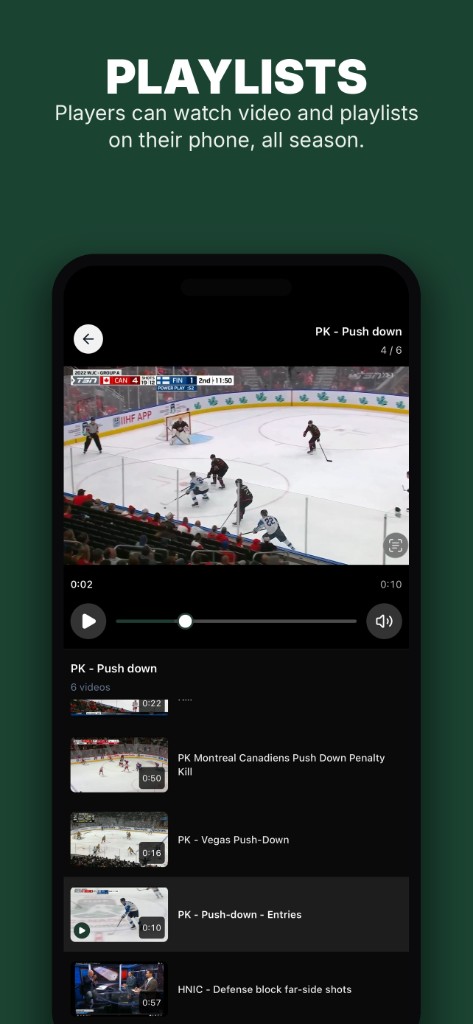
Watch game recaps, shared videos, and anything your coaches share
Open playlists and clips on your phone. Game recaps, teaching video, and anything your coaches sent the roster.
Open the team hub: chat, calendar, and shared library
Group chat, the shared calendar, and the team library live in one place. Game recaps, videos, plans, and technical packages stay available all season.
- What can coaches do in GAME4?
- Find drills, videos, and plans from other coaches and add them to your library. Save Instagram, TikTok, or any web link with Share. Run the team hub: calendar, group chat, and attach plans to practices and games.
- How do I save an Instagram or TikTok reel to GAME4?
- Open the reel, tap Share, then choose GAME4. The link is saved to your library. The same share action works from Safari and other apps.
- What can players do in GAME4?
- Watch game recaps and other content your coaches share. Open the team hub for group chat, the shared calendar, and the shared library of recaps, videos, plans, and technical packages.
- Where can I get GAME4?
- Get GAME4 on the App Store and Google Play. Draw, build practice plans, and clip video at app.game4.app. Content you save on your phone is in the same library when you sit down at a laptop.